Windows
Scene Browser
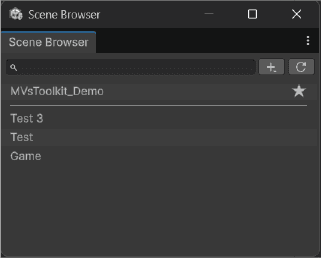
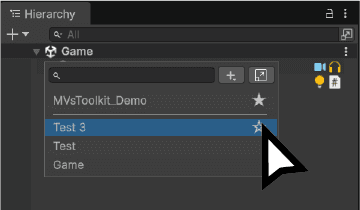
The scene browser is a tool made to allow you to easily access every scene in the project
You are able to mark some scenes as your favorites to show them first in the window
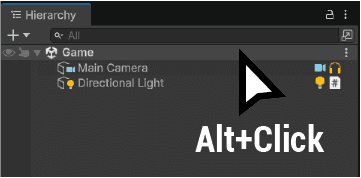
Alt+Click on the Scene in the hierarchy to open it
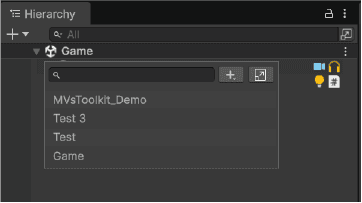
Click on any scene to open it
Click on the star to set it as a favorite
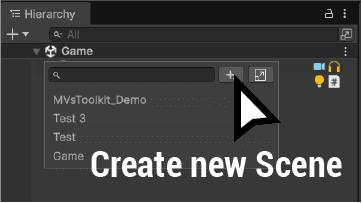
You can create a new scene by clicking on the "+" button
It will ask you where you want to save it
The default name of the scene will be the text in the search area
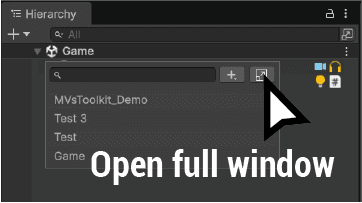
You can open the scene browser in a full window by clicking on the top right button
The full window need to be refresh (top right button) when you will create some new scene